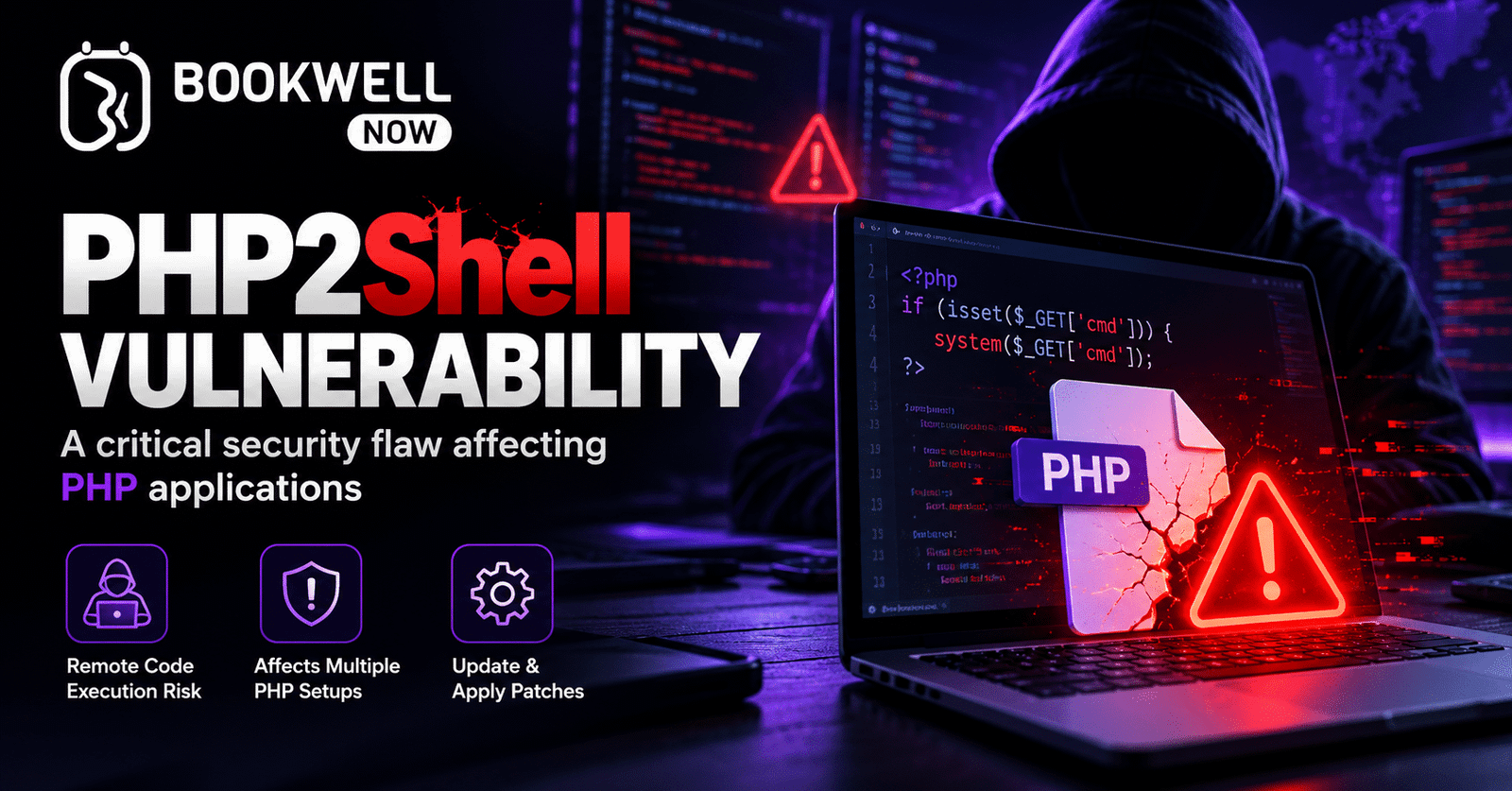
The PHP2Shell vulnerability is a critical security issue affecting vulnerable versions of PHP, the technology that powers WordPress and many other websites. If you run a WordPress website for your business, this vulnerability highlights the importance of keeping your website and hosting environment secure.
For businesses that depend on online appointment scheduling, website errors and security issues can affect customer trust and daily operations. Whether you run a salon, clinic, consultancy, law firm, or repair service, maintaining a secure and reliable booking website should be a priority.
Experiencing PHP errors or WordPress website issues? Our team can help you identify the problem and guide you toward a solution. Contact us for technical assistance.
BookWellNow is not affected by the PHP2Shell vulnerability and has no related issues, according to the product security status provided for this article. However, your website’s hosting environment must still be checked and updated as required. In this guide, we explain the PHP2Shell vulnerability, its possible impact on WordPress websites, how to protect your website, and what to do if you experience a technical error.
What Is the PHP2Shell Vulnerability?
PHP2Shell refers to two critical vulnerabilities in the PHP runtime, identified as CVE-2026-109618 and CVE-2026-109619. Security advisories published on October 21, 2026, describe how these vulnerabilities may allow attackers to execute malicious code on vulnerable servers or access sensitive information from memory. PHP is responsible for processing website requests and running many WordPress features.
If your website uses a vulnerable PHP installation, it may face security risks even when WordPress and its plugins are up to date. The important point is that PHP2Shell affects the underlying PHP runtime, not simply one WordPress plugin or theme. Updating a plugin alone will not fix a vulnerable PHP installation. If you experience PHP errors, unexpected website behaviour, or problems with your WordPress booking website, the issue should be investigated rather than ignored.
Why Is PHP2Shell a Concern for WordPress Websites?
WordPress uses PHP to display website content, process requests, connect to databases, and run plugins and themes.
A vulnerable PHP environment may expose your website to security threats. Depending on the vulnerability and server configuration, the possible consequences include:
- Remote code execution: An attacker may execute malicious code on a vulnerable server.
- Sensitive data exposure: Information stored in process memory may be at risk.
- Website errors: Security issues or incompatible updates may contribute to technical problems.
- Booking disruptions: A compromised or unavailable website may prevent customers from booking appointments.
- Loss of customer trust: Security incidents can affect your business reputation.
These are potential risks, not proof that every WordPress website has been compromised.
If you notice unusual errors or suspect a security issue, seek help from your hosting provider or a qualified technical professional.
Is BookWellNow Affected by the PHP2Shell Vulnerability?
According to the product security status supplied for this article, BookWellNow is not affected by the PHP2Shell vulnerability and has no related issues. BookWellNow is a WordPress appointment booking plugin designed to help service-based businesses manage online appointments.
However, the security of a booking plugin and the security of the server hosting a website are different matters. Your hosting provider must ensure that your PHP installation receives the appropriate security updates. If your WordPress website experiences booking errors, plugin conflicts, or other technical issues, the cause may be different from PHP2Shell. A proper technical review can help identify the source of the problem.
For more information about the booking plugin, visit the official BookWellNow website.
Which PHP Versions Are Affected by PHP2Shell?
The initial security advisories published on October 21, 2026, identified the following fixed PHP releases.
| PHP branch | Initially reported fixed version |
|---|---|
| PHP 8.5 | 8.5.12 |
| PHP 8.4 | 8.4.27 |
| PHP 8.3 | 8.3.36 |
| PHP 8.2 | 8.2.35 |
Earlier releases in these branches are affected according to the advisories. PHP 8.1 and older versions also require attention because they are affected and are generally no longer supported by the PHP project. These are the initially reported fixed versions, not necessarily the latest releases available today. Check the official PHP security information for current updates. Your hosting provider may also apply security fixes through vendor-maintained packages. Ask your provider to confirm that your website’s PHP installation is properly patched.
Important: Updating your PHP version should be handled carefully. Back up your website and check compatibility before making significant changes.
How to Check Your Website for PHP2Shell Vulnerability Risks
If you are concerned about the PHP2Shell vulnerability, follow these steps to check your WordPress website.
- Check your PHP version: Open your hosting control panel and identify the PHP version used by your live website.
- Review security advisories: Compare your PHP installation with the official security guidance.
- Contact your hosting provider: Ask whether the correct security fixes have been applied.
- Check for unusual activity: Review security alerts, server logs, and unexpected website behaviour.
- Apply the required updates: Work with your hosting provider or server administrator to patch vulnerable PHP installations.
- Get technical help if needed: If you cannot identify the problem or your website displays errors, contact a qualified technical professional for assistance.
Remember that a plugin update alone cannot resolve a vulnerability in the underlying PHP runtime.
If you are unsure which steps to follow, getting professional help can make it easier to identify the issue and choose the correct solution.
How to Protect Your WordPress Website from PHP2Shell
Website security requires regular maintenance. Here are six practical steps to help protect your WordPress website.
1. Check Your Current PHP Version
Log in to your hosting control panel and locate the PHP settings. Depending on your hosting provider, the section may be called PHP Manager or MultiPHP Manager. Check the PHP version used by your live website and ask your hosting provider whether it includes the required security fixes. If you cannot find the PHP settings or do not know which version your website uses, ask your hosting support team for help.
2. Update PHP to a Patched, Supported Release
If your PHP installation is vulnerable, work with your hosting provider or server administrator to install an appropriate patched release.
Before upgrading:
- Back up your website files and database.
- Check compatibility with WordPress, your theme, and your plugins.
- Test important website features after the update.
- Confirm that the running PHP service has loaded the security fix.
If an update causes errors, do not make repeated changes without understanding the cause. Contact your hosting provider or a qualified WordPress professional to investigate the problem.
3. Keep WordPress, Themes, and Plugins Updated
Regular updates help fix other security issues and improve website compatibility.
Keep the following components updated:
- WordPress core
- Active themes
- Installed plugins
- Security and backup tools
- Relevant server software
Remove unused plugins and themes, and download updates only from trusted sources.
If a website error appears after an update, check the error message, recent changes, and compatibility requirements to identify the cause. Updating WordPress plugins does not replace the PHP security update required for PHP2Shell.
4. Use a Web Application Firewall
A web application firewall (WAF) can help filter suspicious website traffic before it reaches your application. Check whether your hosting provider or security service offers protection relevant to PHP2Shell. A WAF provides an additional layer of security, but it is not a complete replacement for patching vulnerable PHP installations.
5. Monitor Website Errors and Security Logs
Pay attention to unexpected PHP errors, repeated server failures, unfamiliar files, suspicious requests, or unusual website behaviour. If you suspect that your website has been compromised, contact your hosting provider or a qualified security professional. Preserve relevant logs and investigate the issue before assuming that installing an update has resolved everything.
Need help with a WordPress technical error? Our team can help you review the problem and determine the appropriate next steps. Contact us to discuss your website issue.
6. Maintain Regular Website Backups
Keep recent backups of your WordPress website files and database. Store a separate copy securely where possible, and test your restoration process regularly. Backups can help you recover from technical failures or security incidents, but they do not prevent vulnerabilities from being exploited. Maintain backups alongside regular updates, security monitoring, and proper server maintenance.
How Does PHP2Shell Affect Online Appointment Booking Websites?
Online appointment booking websites may collect customer names, email addresses, telephone numbers, appointment times, and service preferences. If a website experiences a security incident or technical failure, it may affect the booking experience and normal business operations.
Appointment-based businesses should consider the following practices:
- Keep the hosting environment patched.
- Use strong passwords and multi-factor authentication where available.
- Limit administrative access to authorised users.
- Review customer data access and user permissions.
- Maintain regular backups.
- Monitor website errors and suspicious activity.
- Keep WordPress, themes, and plugins updated.
If your booking website stops working, displays PHP errors, or experiences unexpected technical problems, investigate the cause as soon as possible. A technical issue does not always indicate a security breach. A proper review can help distinguish between a configuration problem, plugin conflict, PHP error, and potential security incident.
Why Choose BookWellNow for WordPress Appointment Booking?
Businesses need an appointment booking solution that makes scheduling convenient for both customers and staff. BookWellNow is a WordPress appointment booking plugin for businesses that want to manage appointments through their websites. When choosing a booking plugin, consider your business requirements, required features, website compatibility, integrations, and ongoing maintenance needs. It is also important to maintain your hosting environment separately from your booking plugin. The plugin supports appointment scheduling, while the hosting provider or server administrator manages the PHP runtime and server-level security updates.
Want to simplify appointment scheduling on your WordPress website? Explore BookWellNow to see whether it fits your business needs.
Frequently Asked Questions About PHP2Shell
1. What is the PHP2Shell vulnerability?
The PHP2Shell Vulnerability refers to two reported PHP runtime security vulnerabilities identified as CVE-2026-109618 and CVE-2026-109619. Vulnerable systems may face security risks, making appropriate PHP updates important.
2. Does PHP2Shell affect WordPress websites?
WordPress websites running vulnerable PHP environments may be at risk. The PHP runtime must be checked and patched where necessary, regardless of whether the website’s plugins are updated.
3. Is BookWellNow affected by PHP2Shell?
According to the product security status supplied for this article, BookWellNow is not affected by PHP2Shell and has no related issues. Website owners must still ensure that their own hosting environments are secure.
4. How can I check my website for PHP2Shell Vulnerability risks?
Check the PHP version used by your website and ask your hosting provider to confirm whether the required security patches are installed. Review official security advisories for the latest information.
5. Does updating WordPress plugins fix the PHP2Shell Vulnerability?
No. Updating plugins alone does not fix a vulnerability in the PHP runtime. Your PHP installation must receive the appropriate security fix.
6. Can you help fix PHP2Shell-related WordPress issues?
Our team can help you discuss PHP errors, WordPress technical problems, and website security concerns. Contact us so we can understand your issue and advise you on the appropriate next steps.
7. Is a web application firewall enough to protect my website?
No. A WAF may provide additional protection, but it does not replace the appropriate PHP security updates.
8. Why is website security important for booking businesses?
A security incident or technical failure can disrupt online appointments, affect customer information, and reduce customer confidence. Regular updates, monitoring, access controls, and backups help reduce these risks.
Final Thoughts on the PHP2Shell Vulnerability
The PHP2Shell Vulnerability highlights the importance of keeping your WordPress website and PHP environment secure. Website owners should check their PHP versions, install the appropriate security patches, update website components, and maintain regular backups.
If you are experiencing PHP errors, WordPress website issues, or concerns about the PHP2Shell Vulnerability, do not ignore them. Our team can help you understand the problem and identify the next steps toward a solution.
Need help with your WordPress website? Contact us today for technical assistance.
Security references: Canadian Centre for Cyber Security — PHP2Shell advisory and PHP security information.