Customer Front-end Panel
BookWellNow’s Customer Front-end Panel provides a modern and intuitive booking experience directly on your website. Customers can easily select their preferred service, choose a staff member, pick a suitable date and time, enter their details, and review their booking—all through a simple step-by-step interface.
The clean front-end design keeps the booking process organized and easy to understand. Customers can view service details, duration, pricing, and descriptions before continuing with their appointment.
The customer booking journey is divided into clear stages:
Easy Step-by-Step Booking
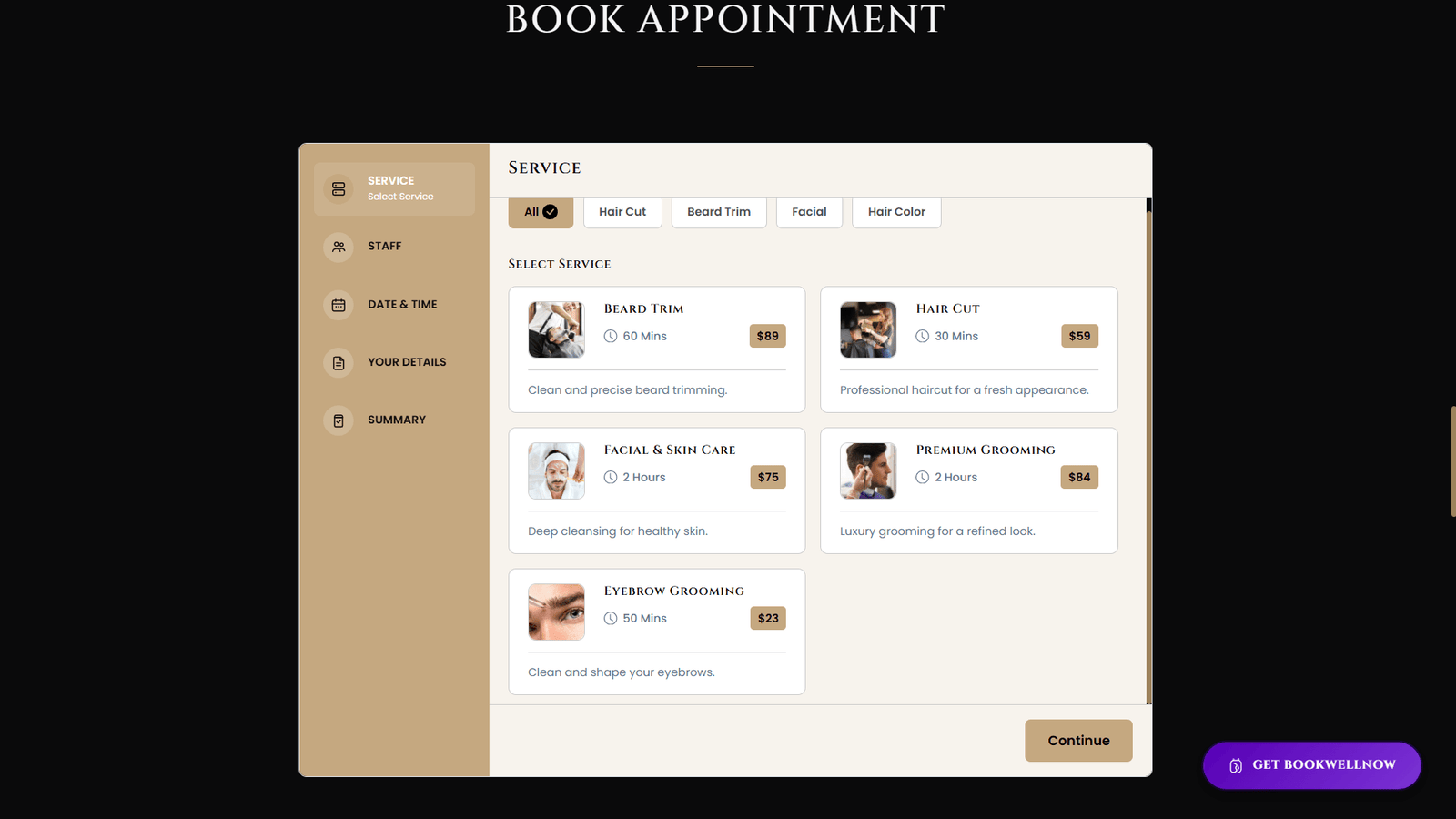
1. Select Service
- Customers can browse all available services and choose the one that best meets their needs. Each service can display useful details such as the service name, image, duration, price, and short description. Service categories and filters help customers quickly find the right option.
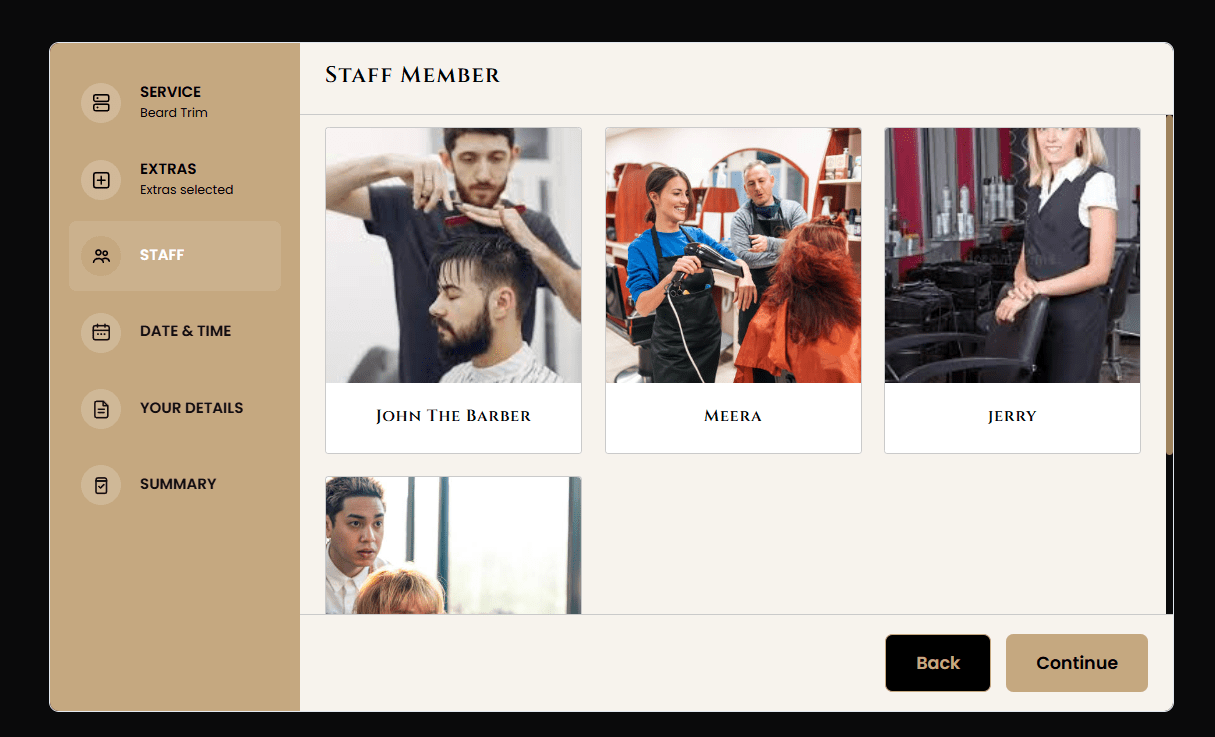
2. Choose Staff
- After selecting a service, customers can choose their preferred staff member. They can view available staff options and select the professional they want to book with. This gives customers more flexibility and helps create a personalized booking experience.
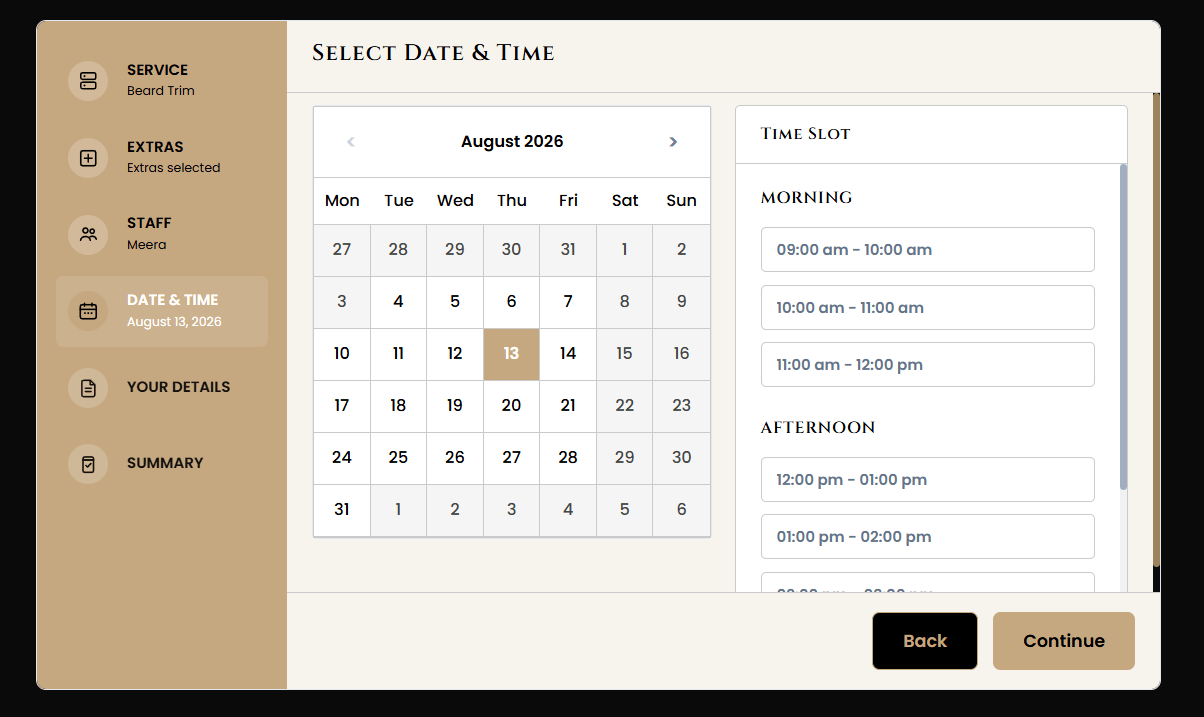
3. Pick Date & Time
- Customers can select a convenient appointment date from the available calendar and choose a suitable time slot. The booking system displays available time options based on the selected service and staff member, helping prevent scheduling conflicts and double bookings.
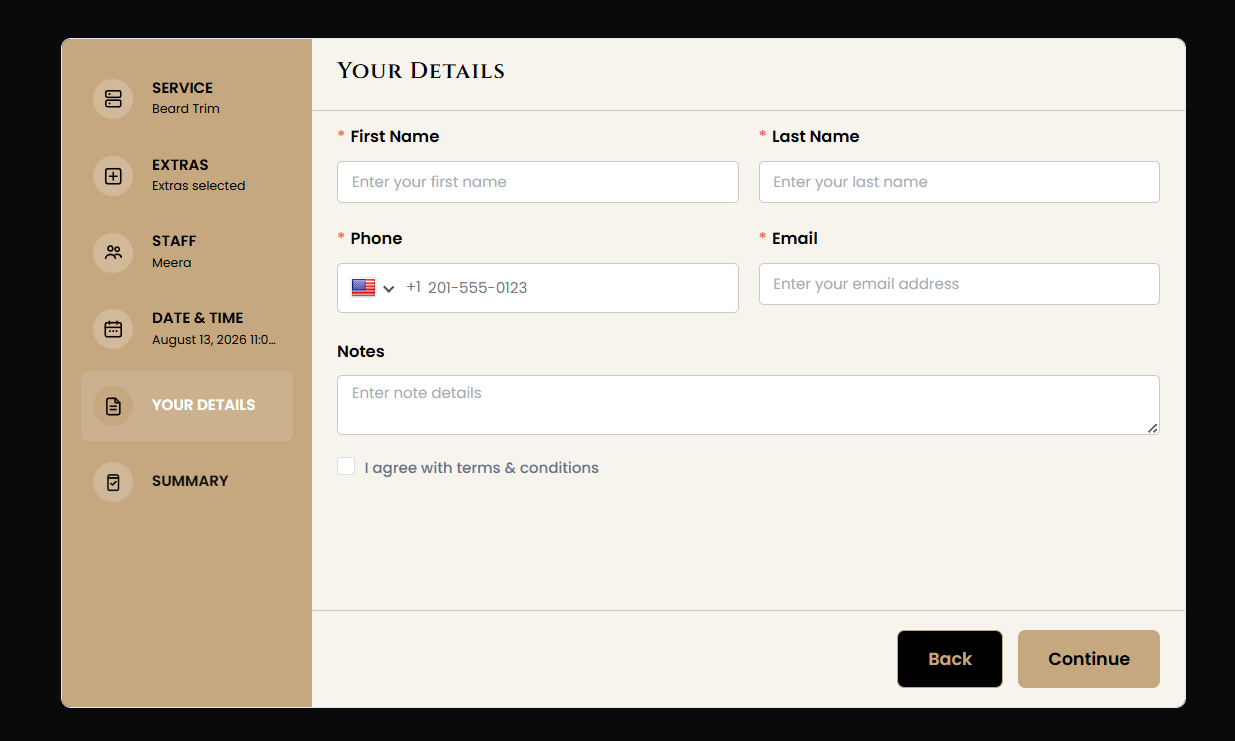
4. Enter Your Details
- Customers can provide the information required to complete the booking, such as their name, email address, phone number, and other booking details. The form is simple and easy to complete, helping customers move quickly to the next step.
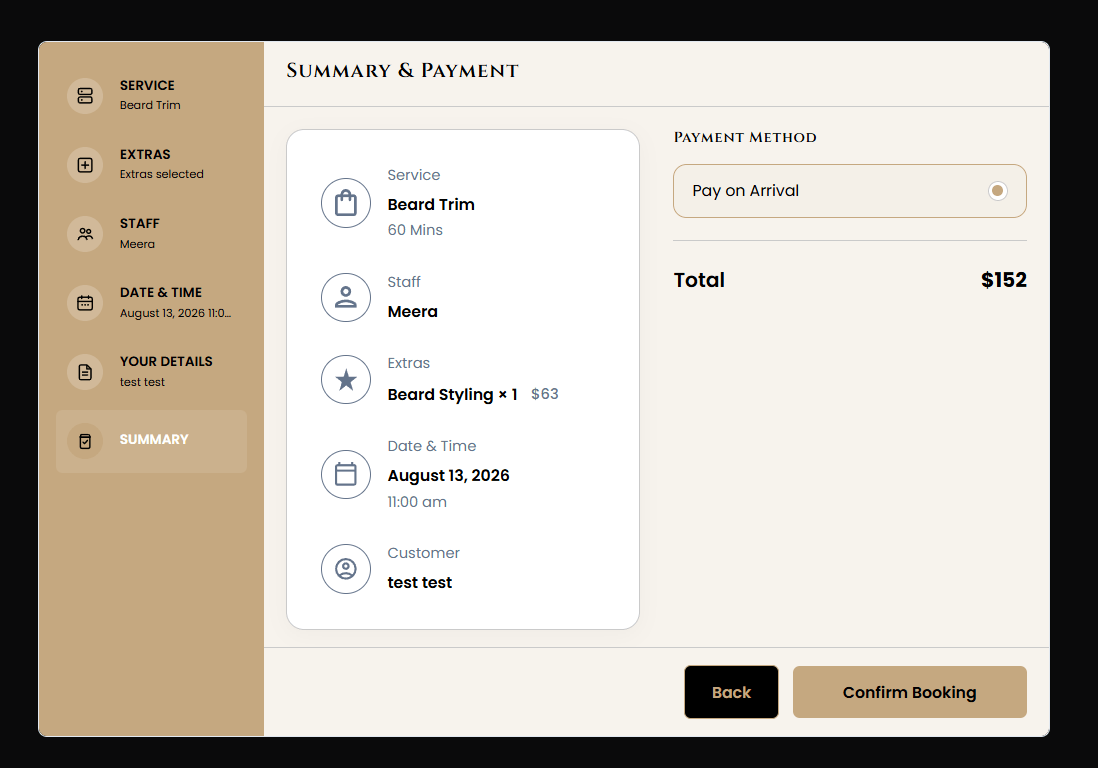
5. Review & Confirm
- Before completing the appointment, customers can review all their booking information in one place. They can check the selected service, staff member, appointment date, time, pricing, and personal details. Once everything is correct, they can confirm the booking with confidence.
A Clear and Convenient Booking Journey
By organizing the booking process into simple steps, BookWellNow creates a smooth and professional experience for customers. The guided workflow makes it easy to complete appointments while keeping every booking detail clear and organized.
Designed for a Better Customer Experience
The Customer Front-end Panel helps businesses deliver a fast, professional, and hassle-free booking experience. Its responsive and user-friendly layout makes appointment booking simple across desktops, tablets, and mobile devices.
With BookWellNow, customers can complete their bookings without unnecessary steps, while businesses can provide a smoother and more organized appointment experience.