Form Fields
The Form Fields page allows you to customize the customer details fields shown on the frontend booking form during the final checkout step.
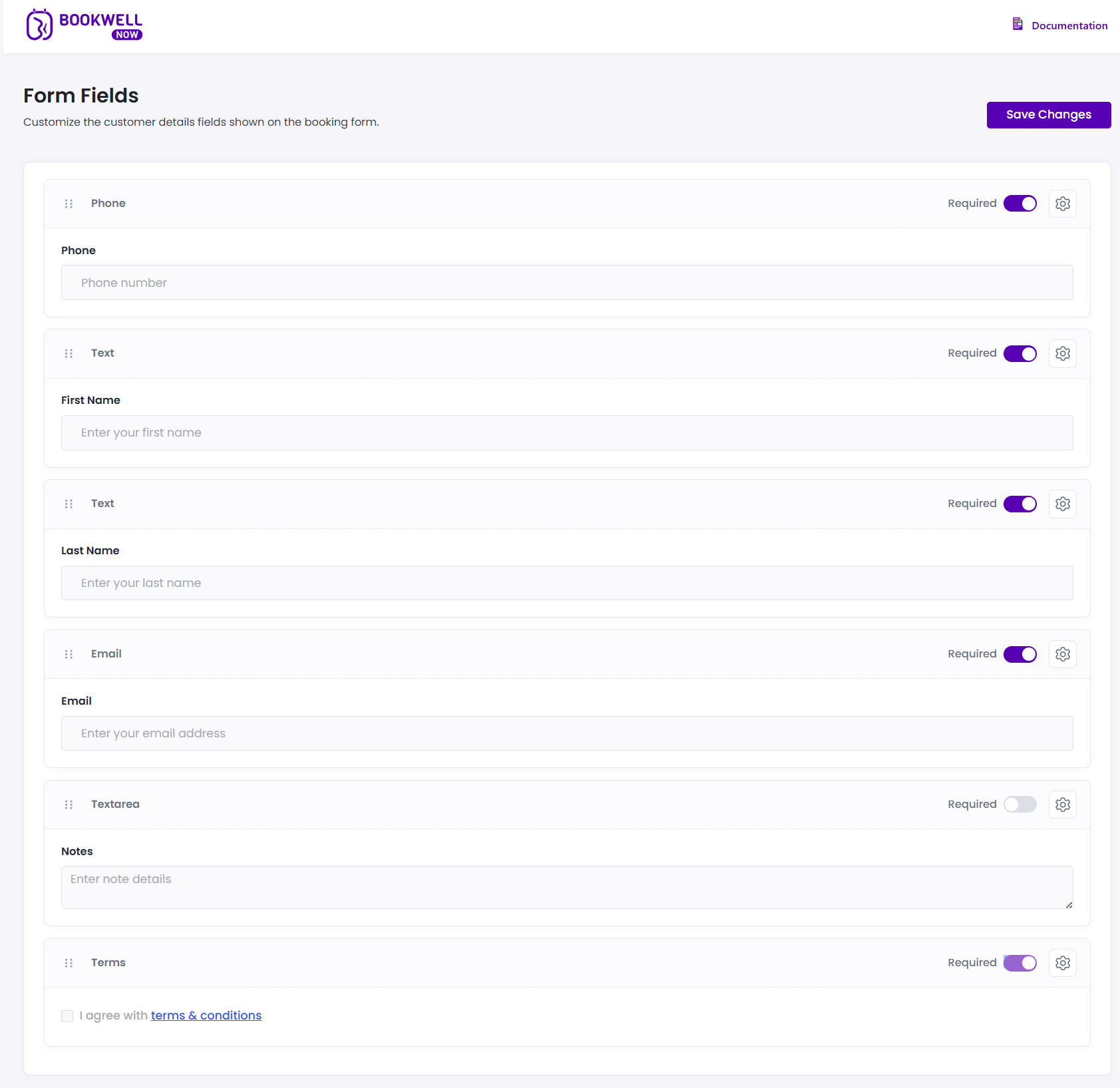
Available Fields
You can customize the following fields:
- Phone: Customer phone number.
- First Name: Customer’s first name.
- Last Name: Customer’s last name.
- Email: Customer’s email address.
- Notes: A textarea for customers to enter additional details or special requests.
- Terms: A checkbox requiring customers to agree to your terms & conditions before booking.
Field Settings
Each field provides the following configuration options:
- Required Toggle: Turn on to make the field mandatory before the booking can be confirmed.
- Settings (Gear Icon): Click the gear icon to adjust the label and placeholder text for the specific field.
💡
Tip: Ensure you provide a clear and accessible Terms & Conditions page if you enable the Terms checkbox!